
Emergency Medication List Generator
Create a complete emergency medication list that could save your life in a crisis. This tool checks for missing information based on CDC and FDA guidelines.
Medication Information
Allergies & Reactions
Additional Information
Your Emergency Medication List
Print this list and keep it in your wallet or purse. Update it every time you change medications or get new prescriptions.
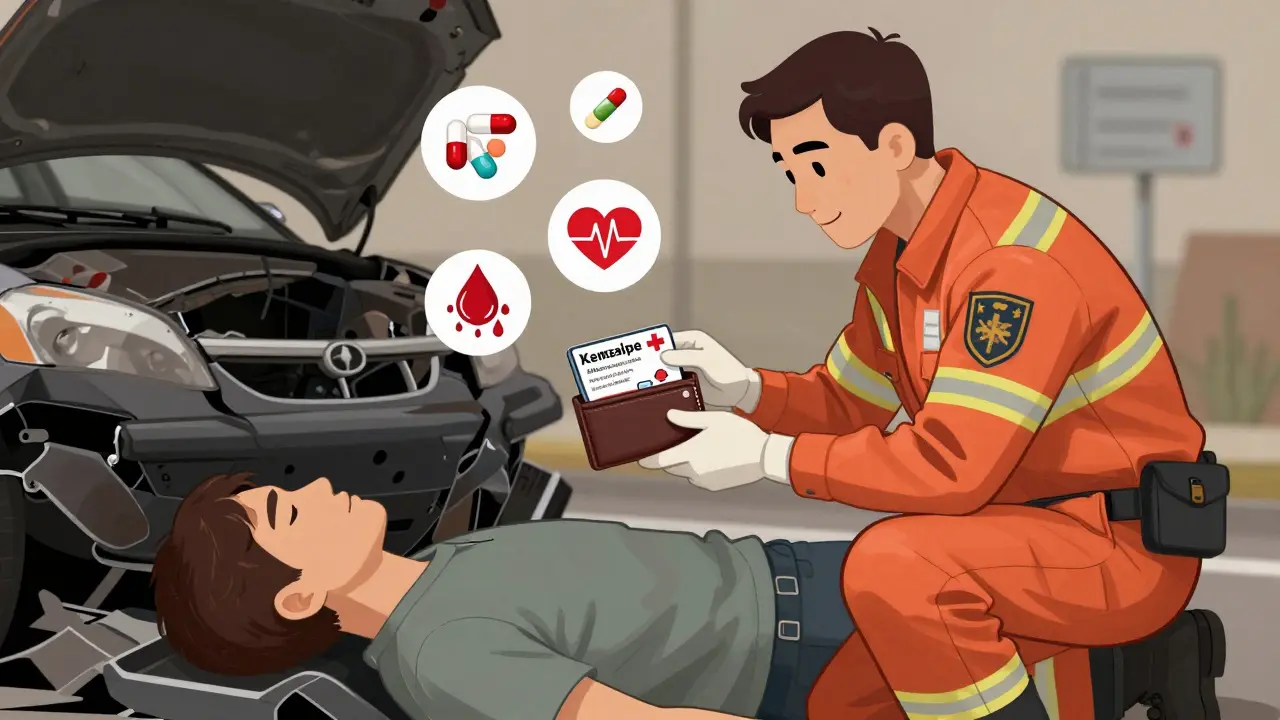
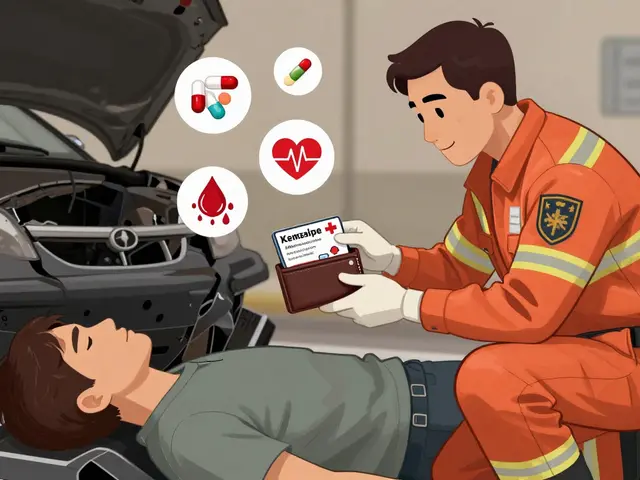
Imagine you’re in an accident. You’re unconscious. Paramedics arrive. They need to know what medications you’re taking - fast. But you can’t tell them. Without a clear list, they might give you a drug that reacts dangerously with something you’re already on. This isn’t hypothetical. Every year in the U.S., over 7,000 people die from preventable medication errors in emergencies. The fix? A simple, up-to-date emergency medication list.
Why Your Medication List Could Save Your Life
Most people don’t think about their meds until they run out. But in an emergency, every second counts. First responders don’t have time to guess. They need to know exactly what’s in your system. A single mistake - like giving someone on blood thinners a drug that causes dangerous bleeding - can be fatal. According to the FDA, 66% of American adults take at least one prescription drug. Nearly half take two or more. That’s a lot of chances for something to go wrong. A paper or digital emergency medication list cuts that risk. It gives paramedics, ER staff, and even bystanders the facts they need to make safe decisions. A 2019 study in the Journal of Emergency Medicine found that having this info ready can reduce emergency evaluation time by 15 to 20 minutes. That’s time you might not have.What to Include on Your Emergency Medication List
This isn’t just a note on your phone. It needs to be complete. Here’s what authoritative sources like the CDC, FDA, and major hospitals say you must include:- Full medication names - both brand and generic. If you take Lisinopril, write both "Lisinopril" and "Zestril" if that’s the brand name.
- Dosage - 5 mg, 10 mL, 250 mcg. Don’t say "one pill." Be exact.
- Frequency - "once daily," "every 6 hours," "as needed for pain"
- Purpose - Why are you taking it? "For high blood pressure," "for arthritis," "for sleep"
- Allergies and reactions - Not just "penicillin allergy." Say what happened: "Rash and swelling after penicillin," "anaphylaxis from sulfa drugs"
- OTC drugs, vitamins, and supplements - Aspirin, ibuprofen, vitamin D, fish oil, turmeric. These can interact just like prescriptions.
- Herbal and cultural medicines - If you use traditional remedies, include them. They matter.
- Medications you stopped - If you quit something because of side effects, write why. "Stopped metformin due to stomach cramps"
- Emergency contacts - Name, phone, relationship. At least two people.
- Medical conditions - Diabetes, heart failure, kidney disease, epilepsy. These change how meds are used.
- Blood type - Recommended by Healthcare Ready. Useful if you need a transfusion.
- Code status - Do you want CPR if your heart stops? "DNR" or "Full code"
For children, add weight in kilograms and the date it was measured. Liquid meds need concentration - "10 mg/mL" - and exact dose in mL.
Paper vs. Digital: Which One Works Better?
You’ve got options. Each has pros and cons.Paper Cards
Pros:- Works even if your phone is dead, broken, or locked
- No tech skills needed
- Can be kept in your wallet, purse, or taped to the fridge
- Easy to lose or forget to update
- Hard to read if handwritten poorly
- Can get wet or torn
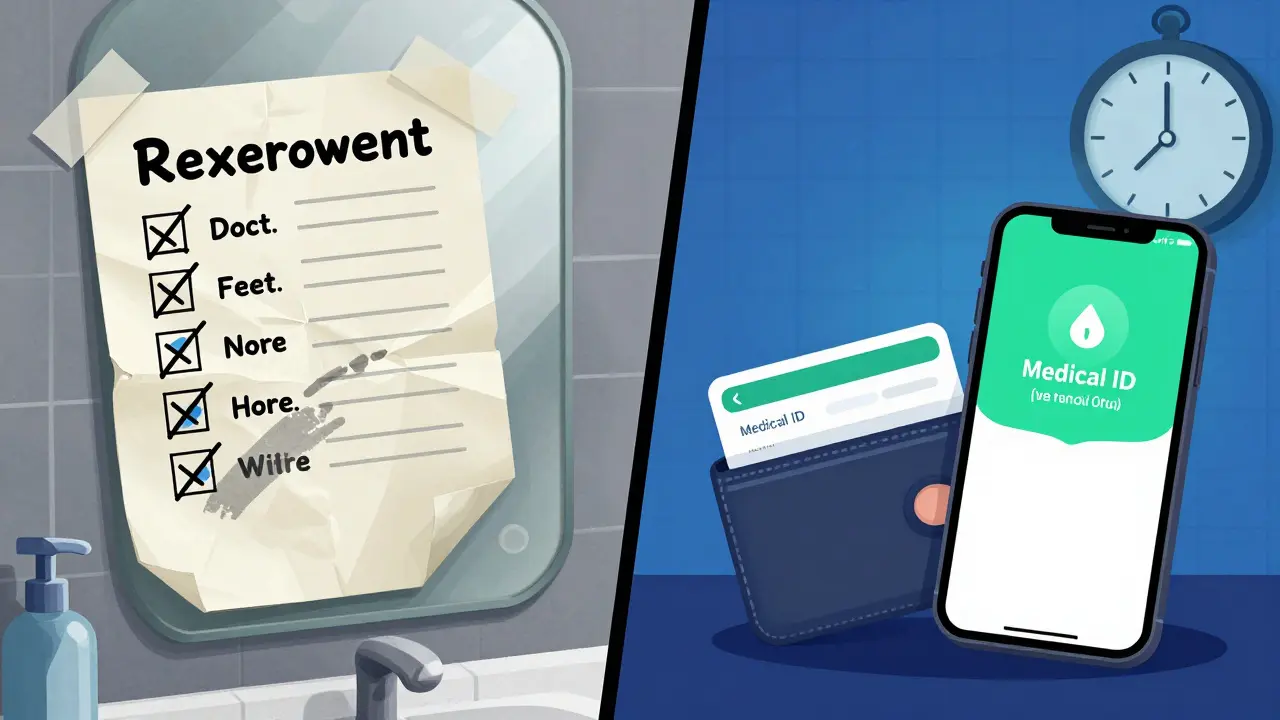
The CDC recommends using a pencil. That way, you can erase and update it easily. Print it on sturdy cardstock. Keep one in your wallet and another with a family member.
Digital Medical ID (iPhone and Android)
Pros:- Accessible from the lock screen - no passcode needed
- Can be updated instantly
- Syncs across devices
- Can include photos, medical alerts, and organ donor status
- Useless if phone is dead, stolen, or damaged
- Not everyone knows how to find it in an emergency
- Some older phones don’t support it
On iPhone: Open the Health app > tap your profile > Medical ID > Edit. Turn on "Show When Locked." Add your meds, allergies, and contacts.
On Android: Open the Phone or Contacts app > tap your profile > Emergency information > Edit. Add your details. Make sure it’s set to show on the lock screen.
Here’s the catch: A 2021 study found that while 92% of people own smartphones, only 32% of unconscious patients with phones had their Medical ID accessed by responders. Paper cards were accessed in 78% of cases - but only 18% of patients even had one. So the best move? Do both.
How to Build Your List - Step by Step
1. Gather everything - Pull out all your pill bottles, supplement boxes, and OTC packages. Don’t forget the ones in your bathroom cabinet or gym bag. 2. Write it down - Use a template from the FDA’s "My Medicines" form or the CDC’s "My Medications List." Or make your own. Use clear headings. 3. Verify with your pharmacist - Go to your local pharmacy. Ask them to review your list. They’ll catch duplicates, interactions, or outdated meds. This step alone cuts medication errors by 37%, according to a 2020 study in the Annals of Internal Medicine. 4. Update every time something changes - New prescription? Stopped a drug? Changed dose? Update the list that day. Don’t wait. Outdated lists are worse than none at all. 5. Share it - Give copies to your primary doctor, your emergency contacts, and a trusted family member. If you have a smartwatch or medical alert bracelet, link it to your digital list. 6. Bring it to every appointment - Doctors often don’t have your full list. Show them your card. Ask them to sign or initial it. That way, you know it’s accurate.Common Mistakes - And How to Avoid Them
- "I’ll remember" - You won’t. Stress, pain, or confusion will erase it. Write it down.
- Using vague terms - "Take one in the morning" isn’t enough. Say "Lisinopril 10 mg by mouth once daily in the morning."
- Forgetting supplements - St. John’s Wort can interfere with antidepressants. Garlic supplements can thin your blood. Include them.
- Only keeping it on your phone - Phones die. Batteries drain. If it’s only digital, it’s not reliable.
- Not updating after hospital visits - You might’ve gotten new meds or had old ones stopped. Update your list within 24 hours.
Who Needs This Most?
Everyone should have one. But it’s critical for:- People taking five or more medications
- Those with chronic conditions - diabetes, heart disease, kidney failure
- Adults 65 and older - 89% of this group take at least one prescription drug
- People with allergies or rare conditions
- Those with cognitive issues or memory problems
- Parents of young children on multiple meds
The American College of Emergency Physicians says these groups are at highest risk for medication errors. Don’t wait for a crisis to act.
What Happens When It Works?
Real stories prove this works. A nurse in Pennsylvania once treated a woman who collapsed. The woman’s wallet card listed warfarin, a blood thinner. The ER team almost gave her a strong antibiotic that can cause fatal bleeding. The card stopped them. She lived. A man in Florida evacuated during Hurricane Ida. His kidney transplant meds were lost. He pulled out his wallet card. The hospital used it to refill his prescriptions within hours - preventing organ rejection. But there are heartbreaking failures too. One woman’s 82-year-old mother had a paper list - but it was three months out of date. She was given the wrong insulin dose. She spent 36 hours in the hospital because of it. Accuracy saves lives. Outdated info kills.Keep It Fresh - The #1 Rule
The biggest reason these lists fail? They’re not updated. The CDC says: "Update this list any time you make a change." That means after every doctor’s visit, pharmacy refill, or hospital stay. Set a monthly reminder on your phone: "Check my meds." Every time you refill a prescription, look at the label. Is the dose the same? Did they change the brand? Update your list. Make it part of your routine - like checking your mail or paying bills. If you do, your emergency card will be ready when it matters most.Do I need to include over-the-counter drugs and supplements on my emergency list?
Yes. Many OTC drugs and supplements can cause dangerous interactions. Ibuprofen can increase bleeding risk if you’re on blood thinners. St. John’s Wort can interfere with antidepressants. Fish oil and garlic supplements thin your blood. Vitamins like vitamin K can undo the effects of warfarin. Every pill, capsule, or liquid you take - even if you bought it without a prescription - belongs on the list.
Can I just use my phone’s health app instead of carrying a paper card?
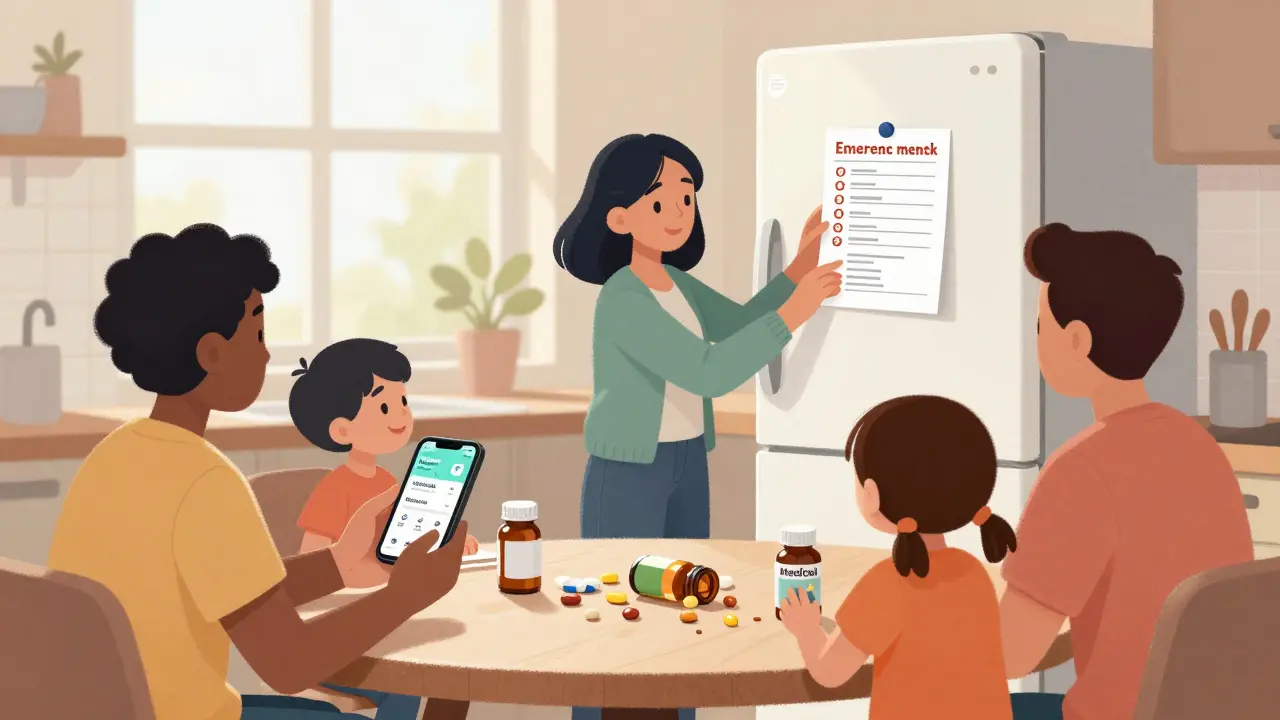
It’s a good start, but don’t rely on it alone. Phones die, get stolen, or break. Emergency responders may not know how to access your Medical ID - especially if you’re unconscious and they’re in a rush. Keep a paper copy in your wallet and a digital version on your phone. Use both. Redundancy saves lives.
What if I forget to update my list after changing medications?
An outdated list is more dangerous than no list at all. It can lead responders to give you the wrong drug or dose. If you miss an update, fix it the same day. Set a phone reminder for every time you refill a prescription. Visit your pharmacist every three months to review everything. They’ll spot changes you might have missed.
Should I include herbal remedies and traditional medicines?
Absolutely. Herbal products like ginkgo, ginseng, or turmeric can affect blood clotting, blood pressure, and how your body processes prescription drugs. If you use traditional remedies - whether from your culture or a local healer - write them down. First responders need to know everything you’re taking, even if it’s not from a pharmacy.
How often should I review my emergency medication list with a doctor or pharmacist?
At every appointment - doctor, specialist, or pharmacy visit. Ask them to check your list against your current prescriptions. Many patients don’t realize they’re taking duplicates or conflicting drugs. Pharmacists can spot interactions your doctor might miss. Make this part of your routine. It takes five minutes, but it could prevent a hospital stay.
Can I create a digital backup of my paper list?
Yes, and you should. Take a photo of your paper list and save it in your phone’s photos folder. Label it clearly: "Emergency Medication List - [Your Name]." Also email a copy to a trusted family member. This way, even if you lose the paper copy, someone else can access it. But never replace the physical card - keep it in your wallet or purse.
Comments
Bro, I got this printed on cardstock and taped to my fridge. My mom says I'm weird but when I passed out last year from dehydration, the EMTs were like 'whoa, this guy's got his shit together'. Worth it.
I used to think this was overkill until my cousin got given a beta-blocker while on lithium. He coded. The ER docs said his phone had a Medical ID but it was locked. Paper card in his wallet? Nope. That’s the day I started carrying mine. Now I hand them out like business cards at BBQs.
I keep mine in my purse and my phone. Also emailed it to my sister and my doctor. I don’t use emojis but I do use bold text for allergies. 🩺❤️
Honestly, it’s embarrassing how many people I know who don’t do this. Like, you have a 10-step skincare routine but can’t list your meds? You’re not a wellness influencer-you’re a walking medical liability.
The data is unequivocal: adherence to standardized emergency medication documentation correlates with a 41% reduction in adverse drug events during acute care episodes. Furthermore, redundancy in medium (digital + physical) mitigates systemic failure points inherent in single-point-of-access paradigms.
I don’t trust digital at all. My phone was hacked last year. What if someone alters my meds list? What if they change my DNR status? I’ve seen this on the news-hackers target elderly patients’ health profiles. Paper. Only paper. And I write it in invisible ink so no one else can read it.
They want you to make a list… but who’s really behind this? Big Pharma wants you to keep taking pills. The government wants to track your meds. The hospital wants to bill you for every interaction. This isn’t safety-it’s surveillance disguised as care.
I made one for my grandma after she mixed up her blood pressure meds. She cried because she felt like a burden. I told her, 'Nana, you’re not a burden-you’re a hero for writing this down.' Now she updates it every Sunday with me. Best family ritual ever.
I'm student from India and I never thought about this. But my uncle had stroke and they gave him aspirin but he was on warfarin. He almost died. Now I made list for my whole family. Thank you for post!
I started this after my dad had a bad reaction to a new antibiotic. He’s 71. I printed 3 copies. One in his wallet, one with my mom, one on the fridge. I set a monthly reminder. It’s not hard. It’s just responsibility.
You people are so naive. They’re not trying to save lives-they’re trying to control them. Your meds list? That’s data they sell to insurers. Your blood type? Your code status? They’ll use it to deny you care if you’re 'too expensive'. Wake up.
I update mine every single day. I even track the time I took each pill. I have a spreadsheet. I have a QR code that links to a Google Doc. I have a backup on a USB drive in a safe deposit box. If you’re not this obsessive, you’re not taking this seriously-and people die because of you.
In my village in Nigeria, we don’t have apps or cardstock. We have elders. We have community. We shout the meds out loud when someone’s down. Maybe your system is broken because you’ve lost the human connection. A list won’t fix that.
The CDC says use pencil? That’s because they’re in on it. Pencil leads can be traced. Ink can be erased. But digital? That’s encrypted. That’s tamper-proof. They want you to use pencil so they can alter it later. I use a laser engraver on a titanium card. I’m not playing.
I saw someone reply to this saying they use invisible ink. I’m not even mad. I’m impressed. That’s the kind of dedication we need. Maybe we should start a subreddit: r/OverpreparedMedLifers.